
TV and Movie Stats, Visualized.
Deep forensic analytics for your media history by tracking movies and tv episodes you watch all done locally on your Mac. No cloud, no data tracking, just your watch history visualized.
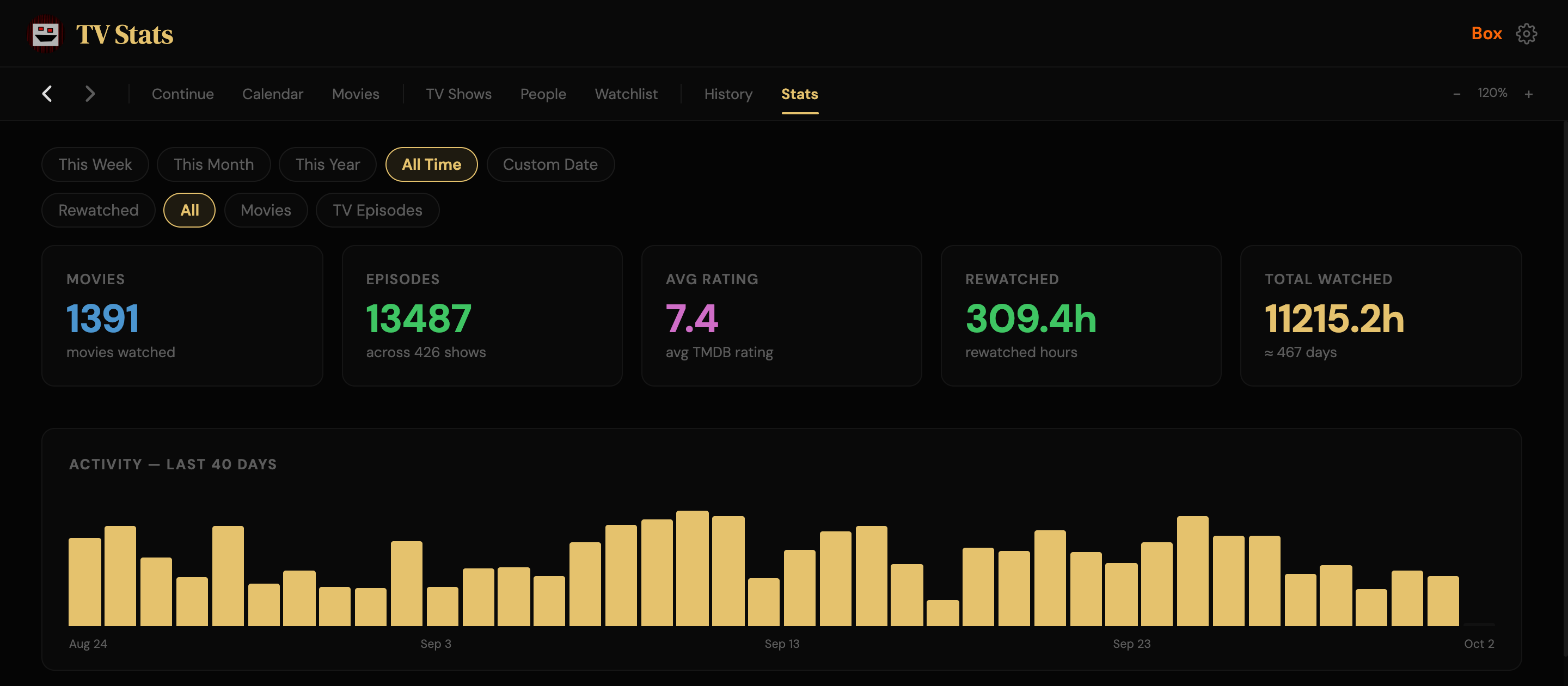
All of this is FREE!
If you were using Trakt.tv you would need $60/year for 1/2 these features.
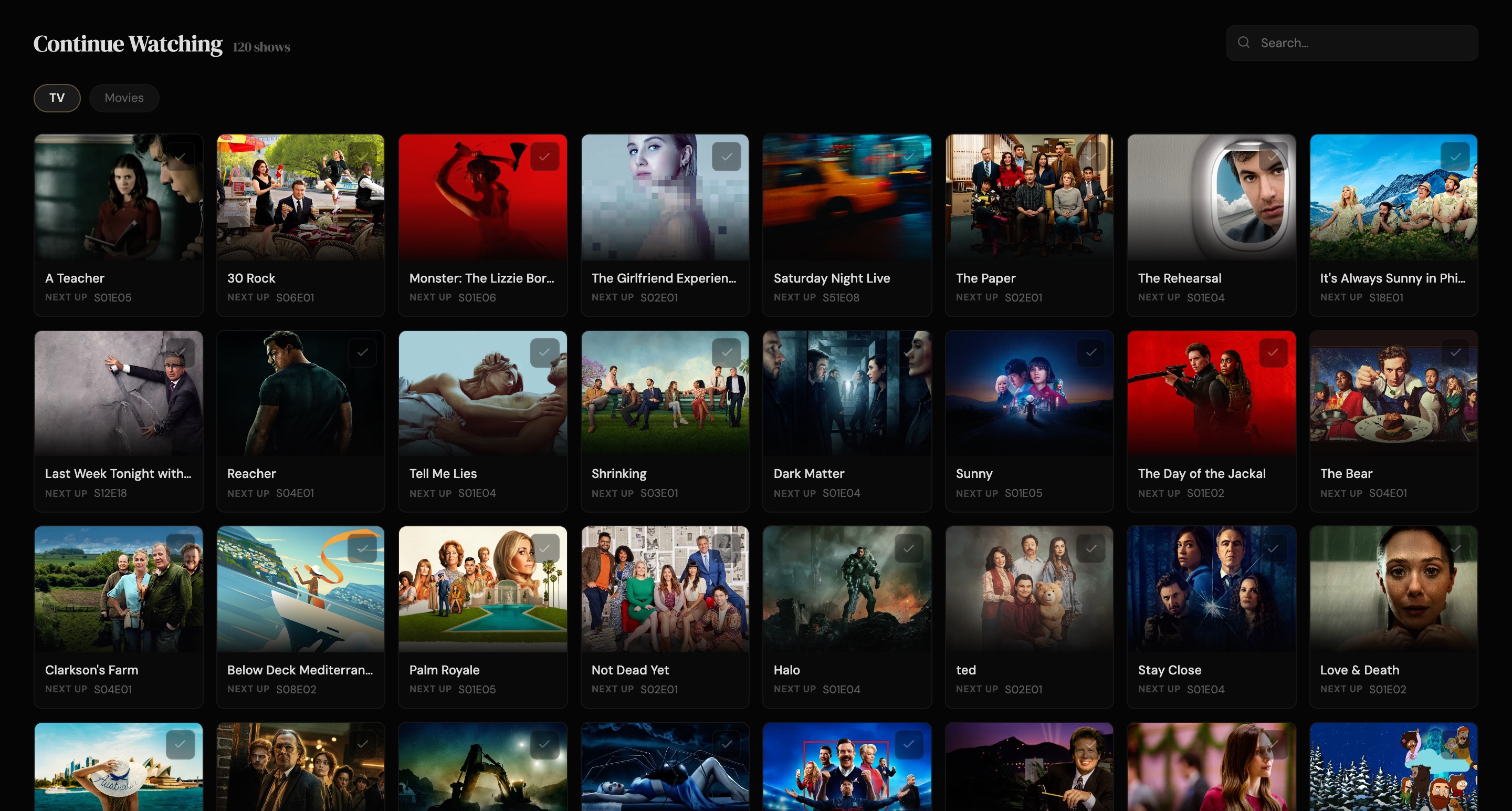
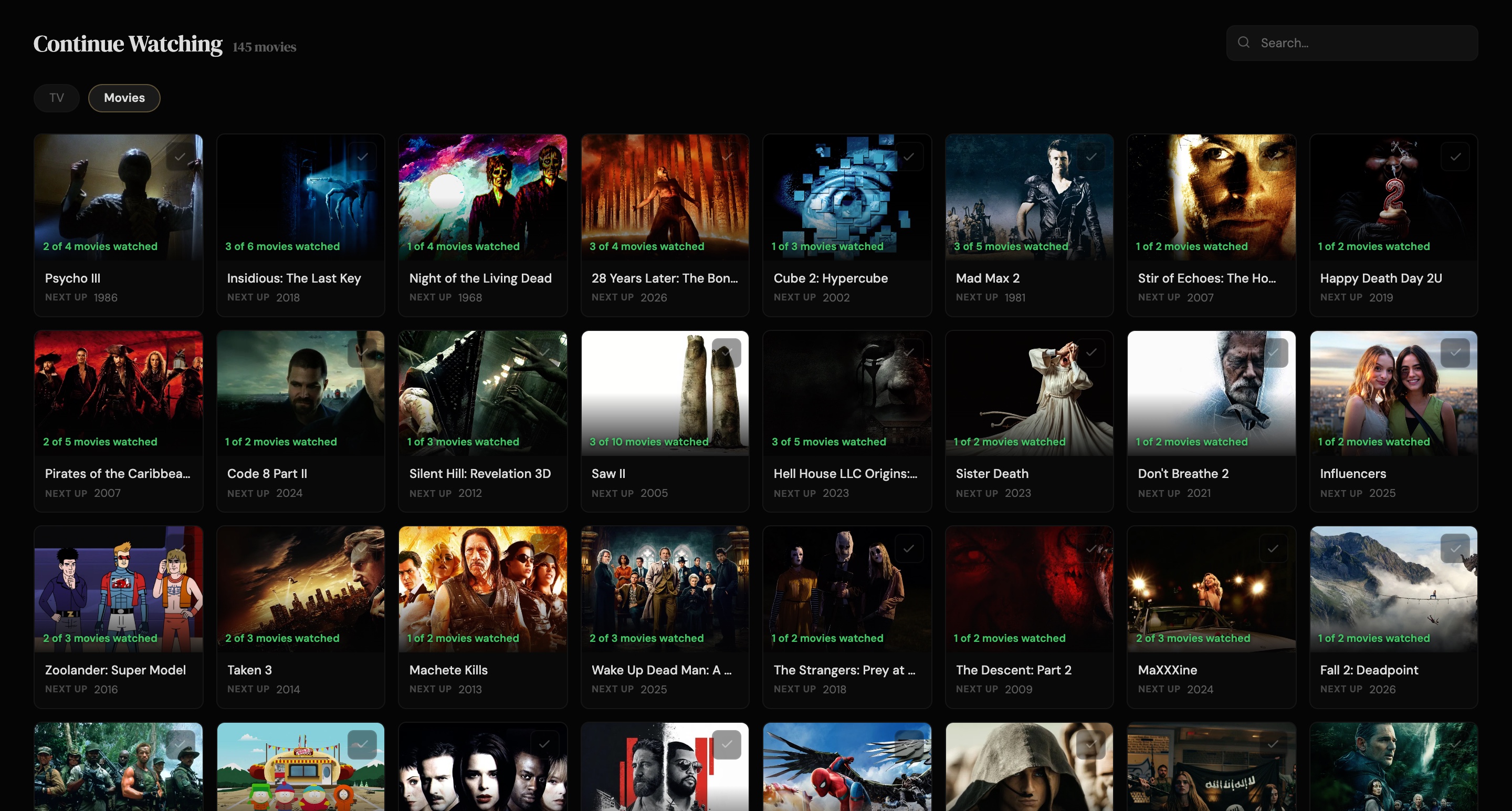
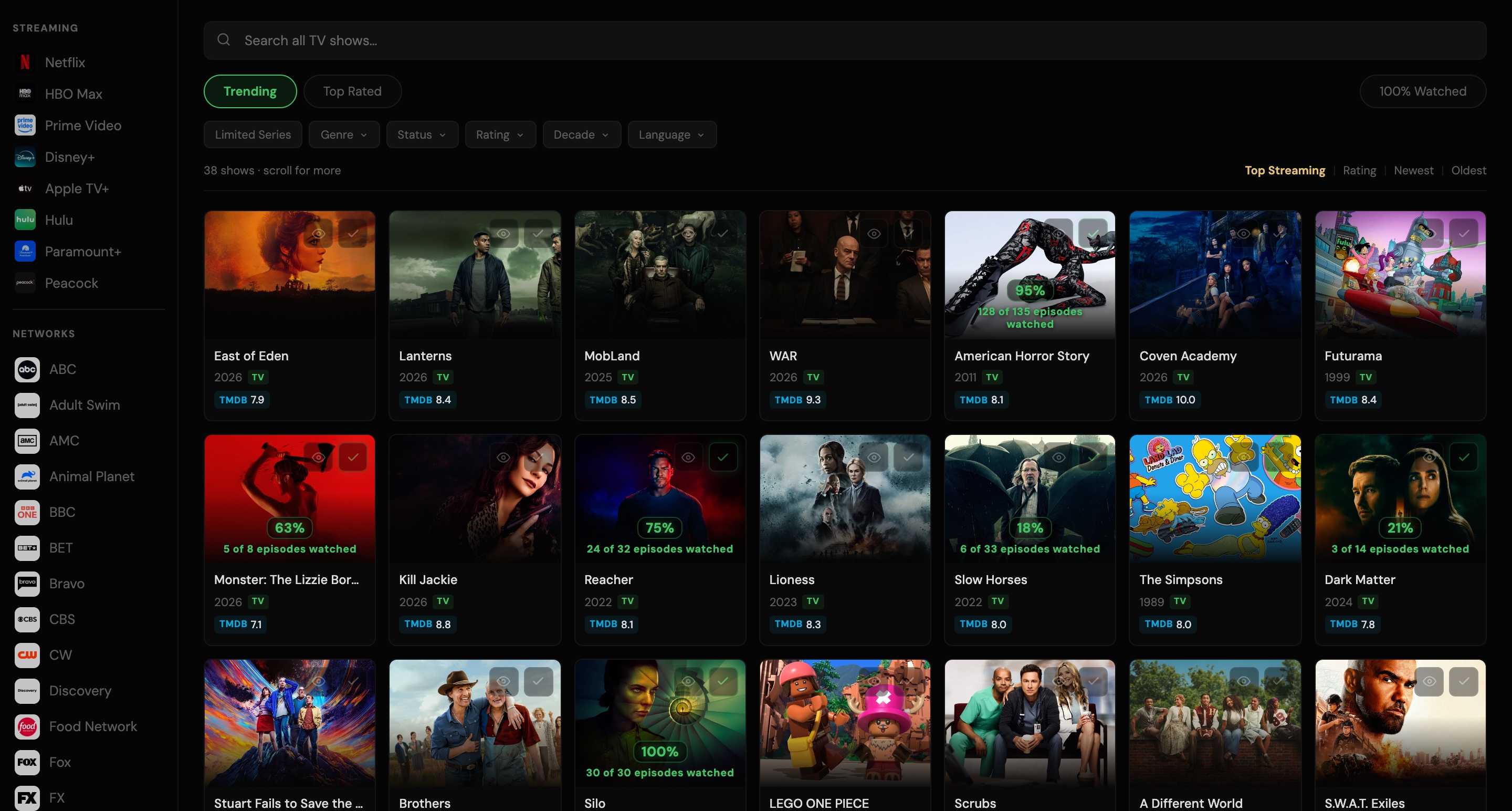
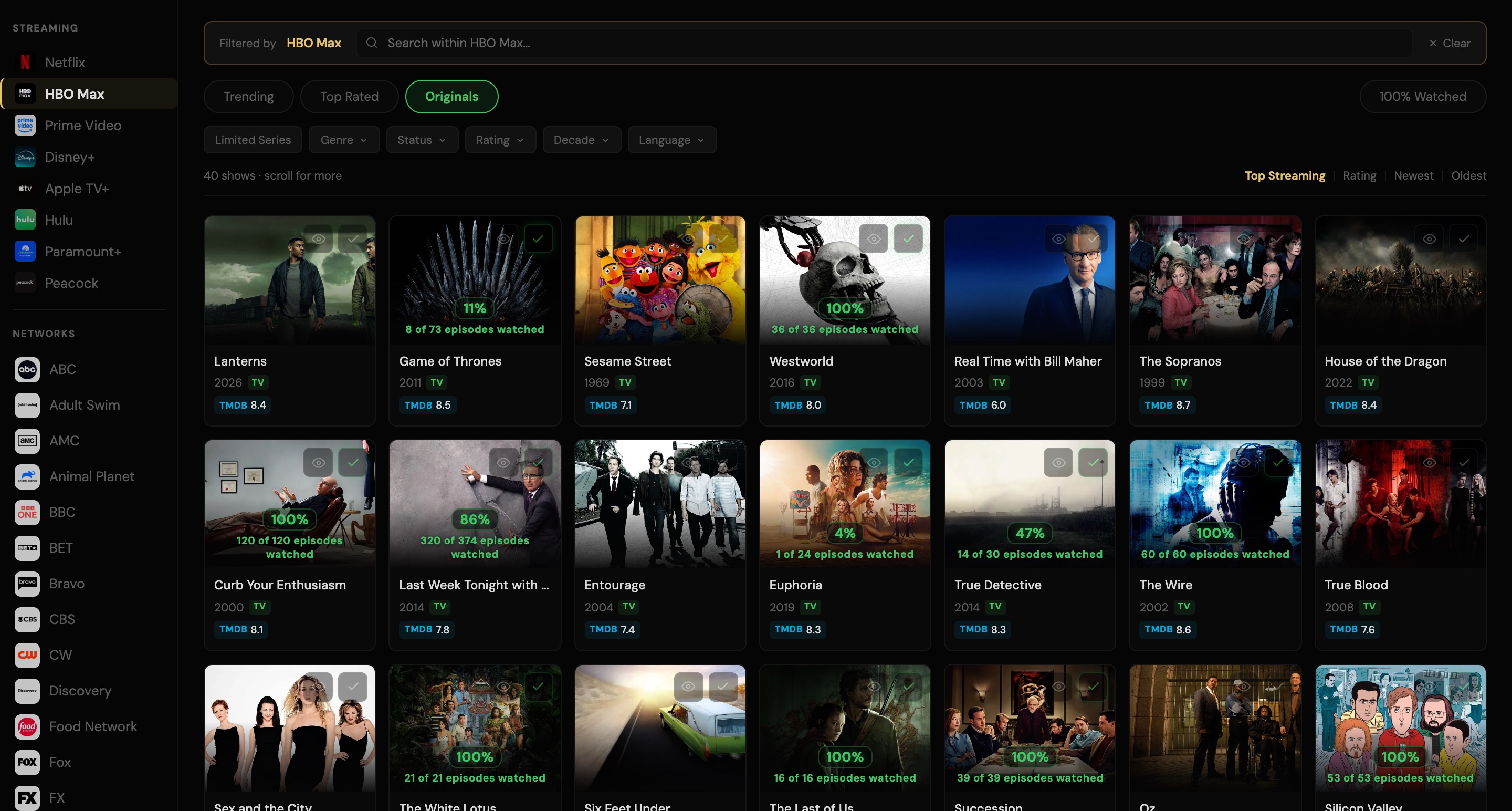
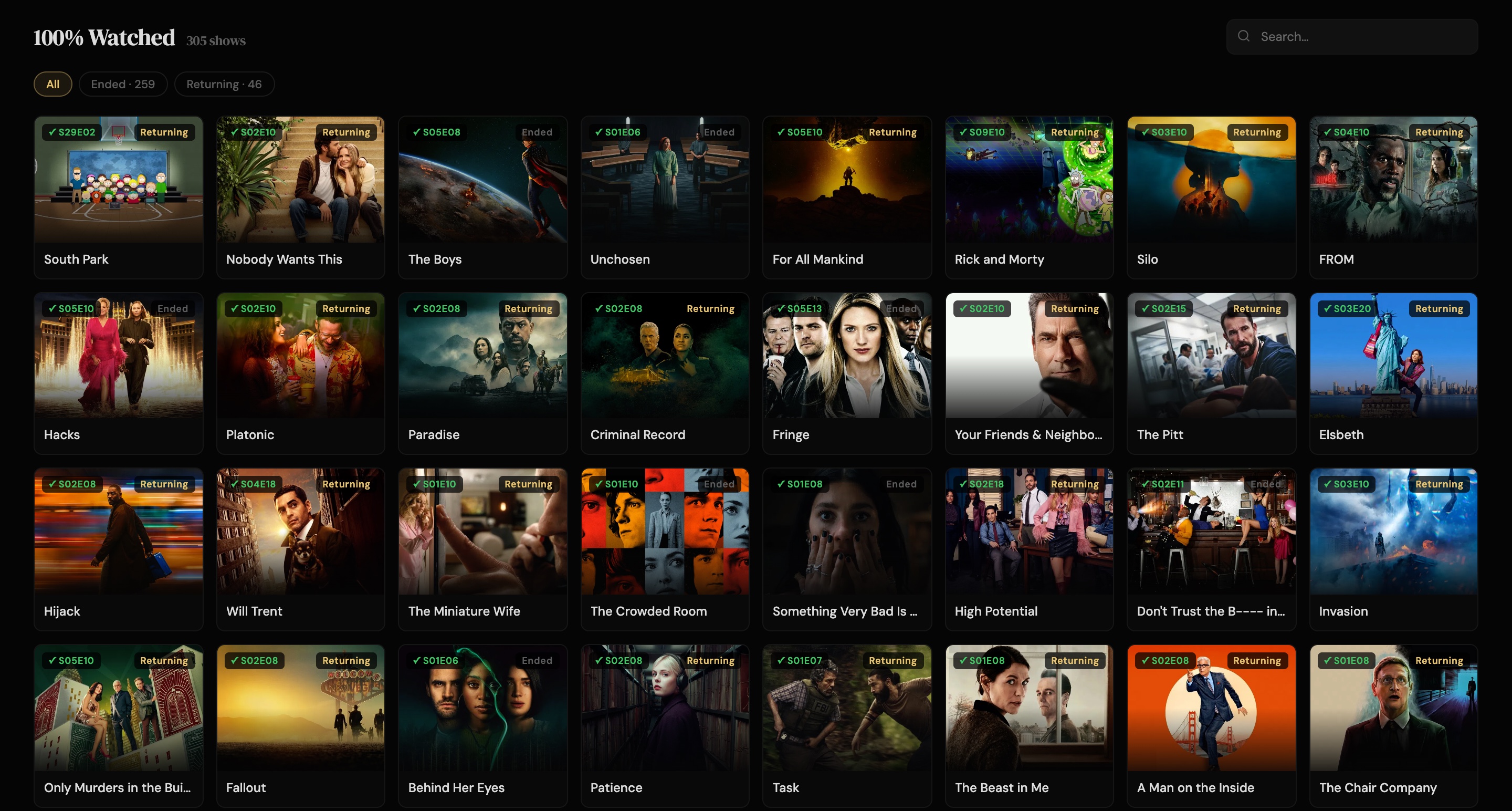
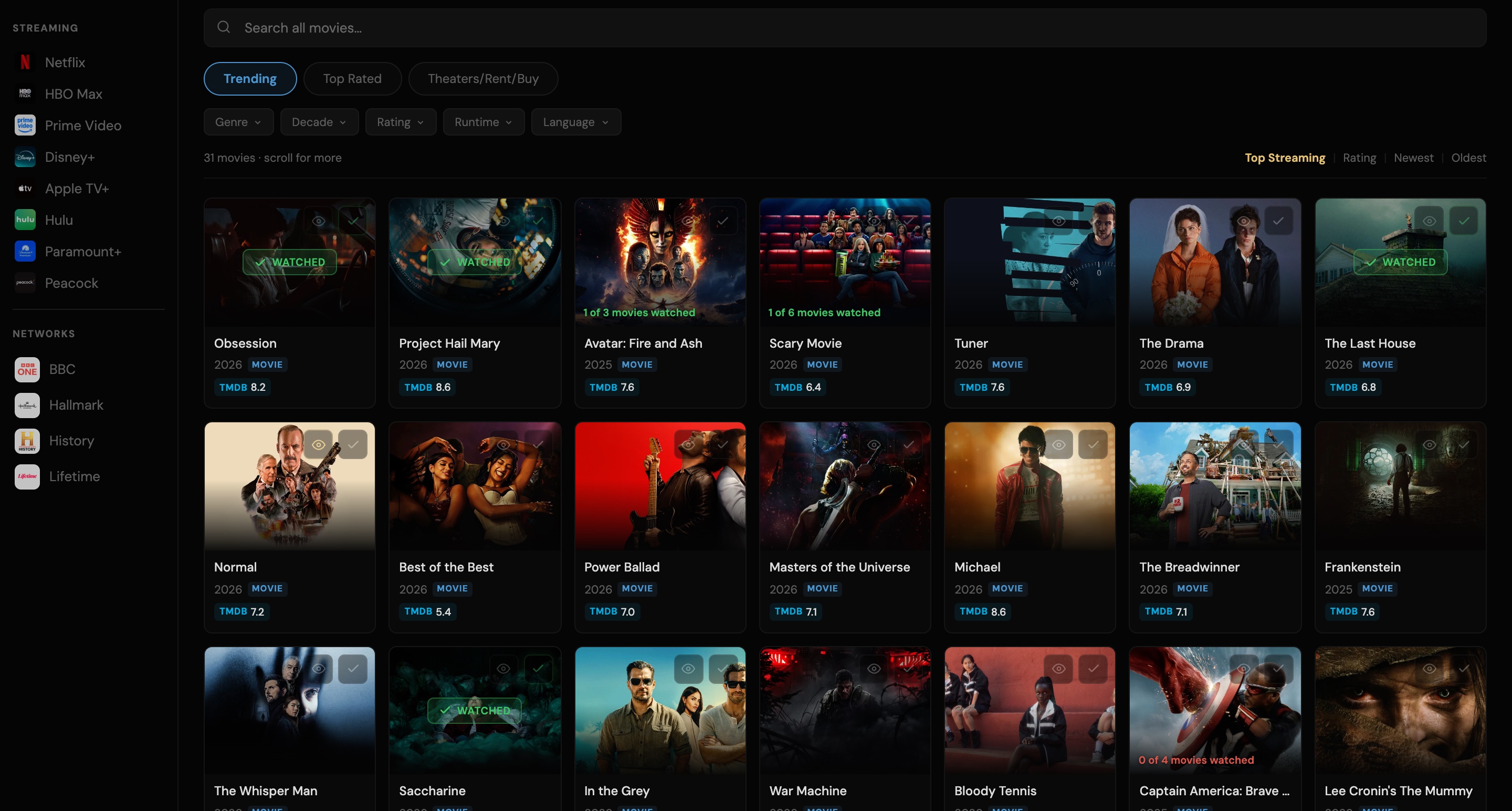
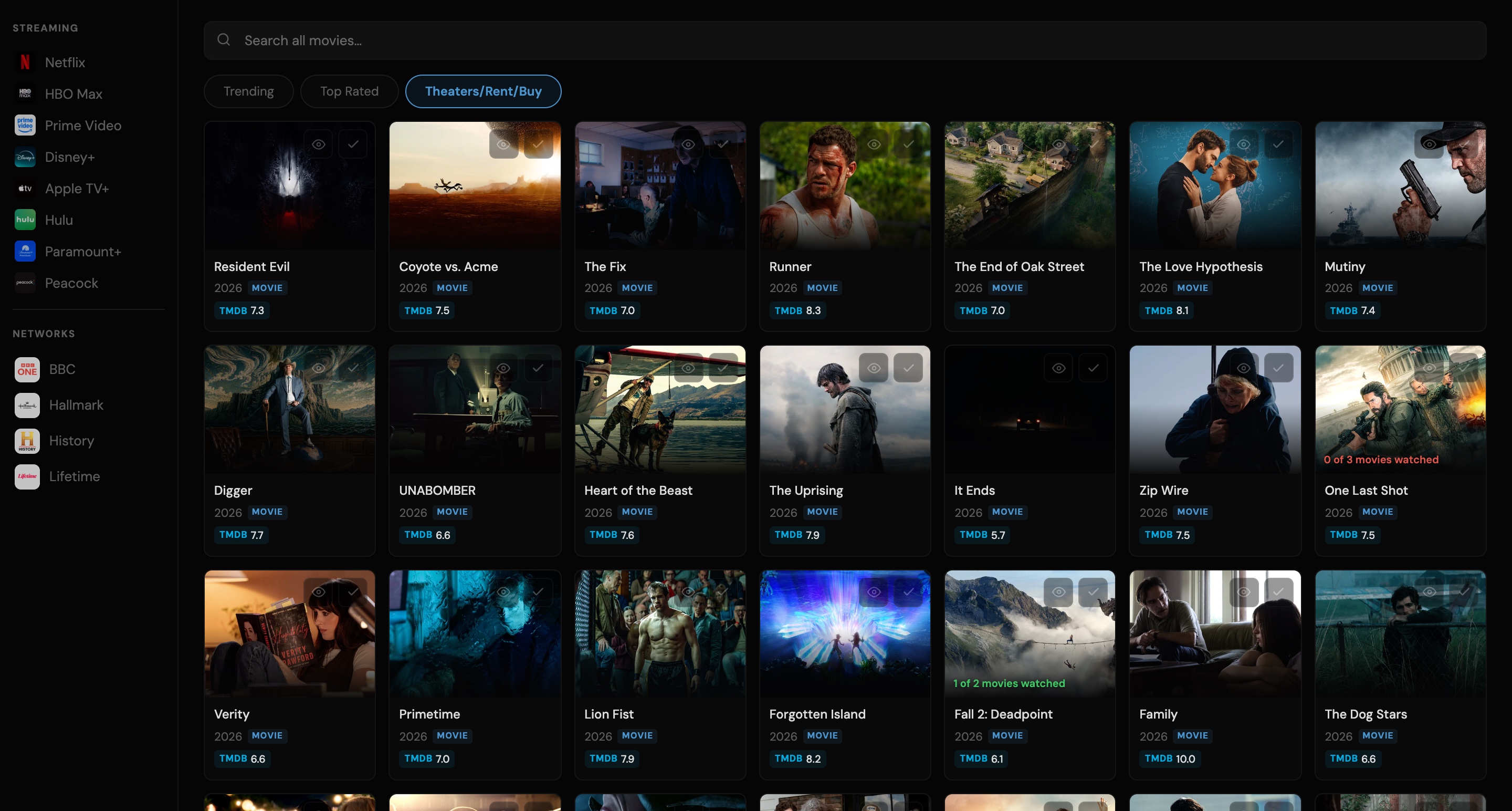
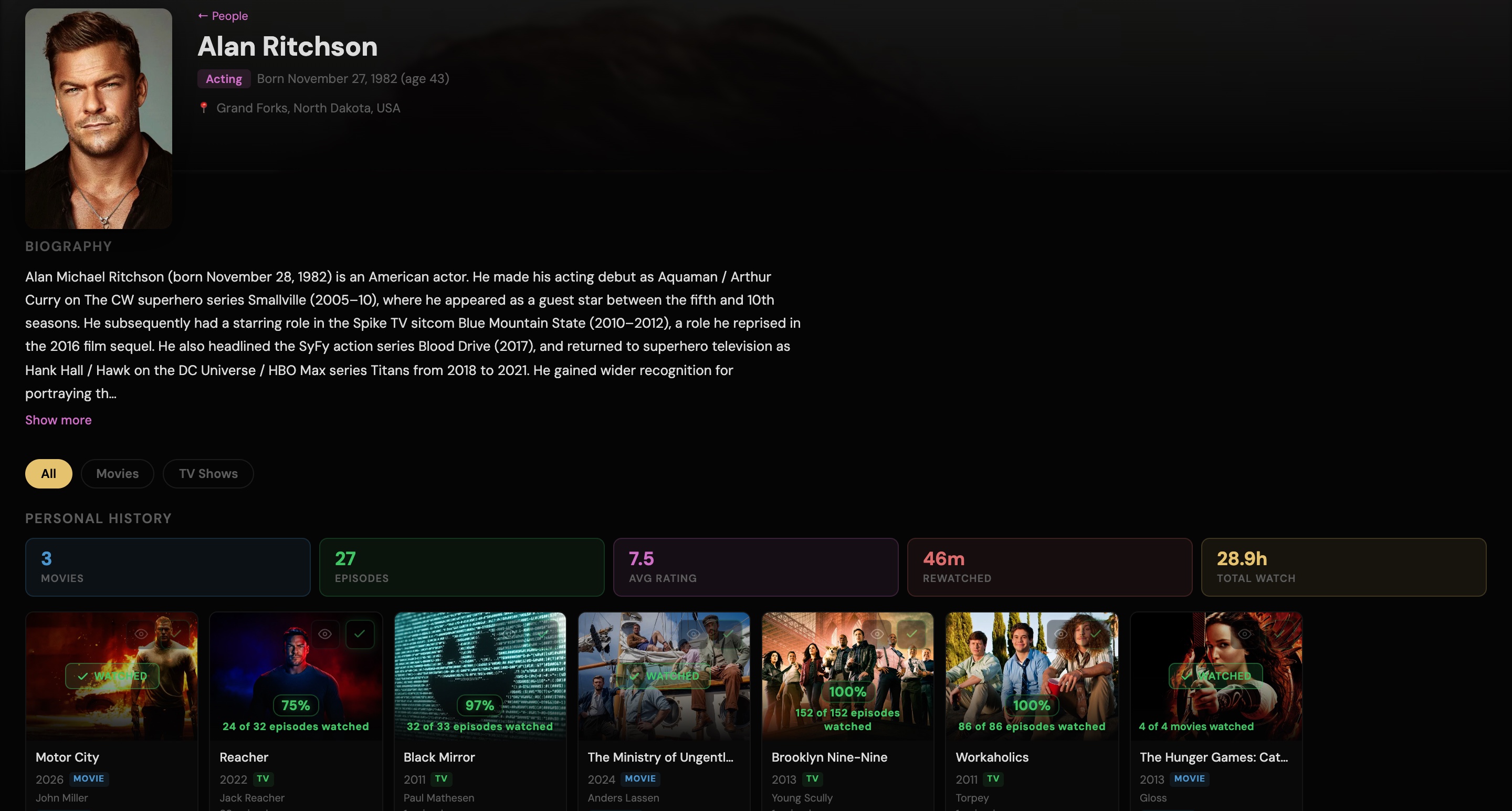
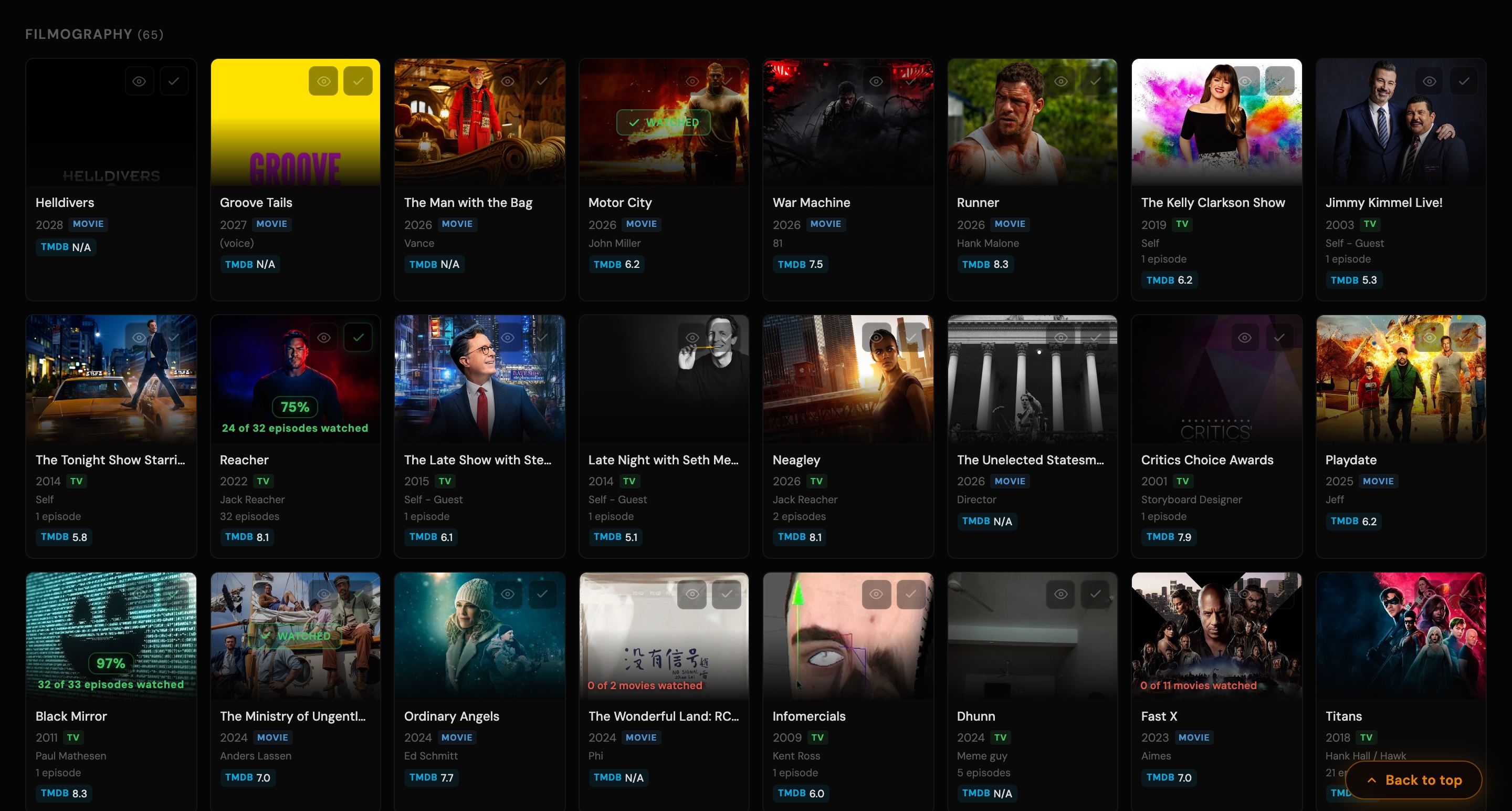
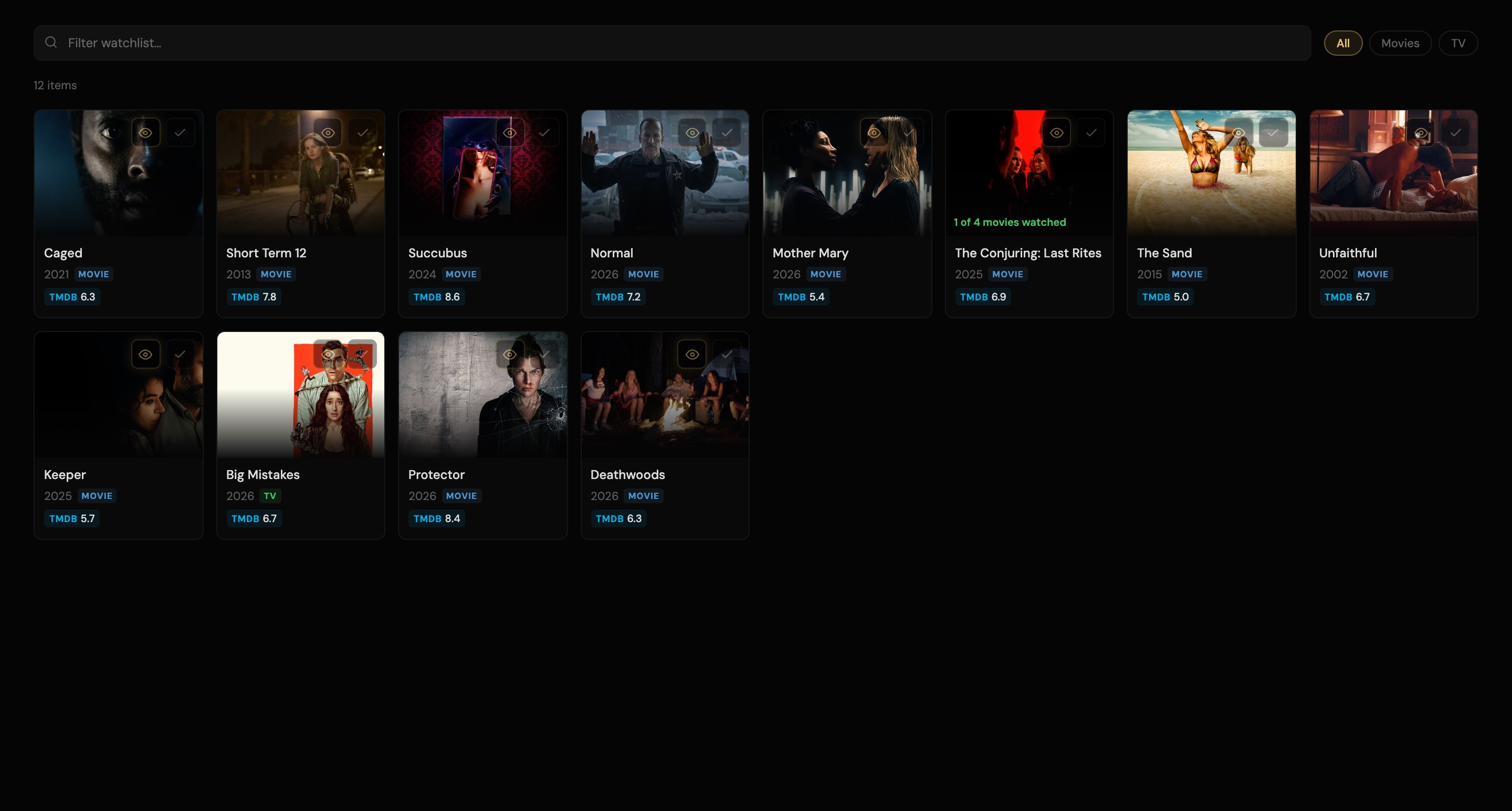
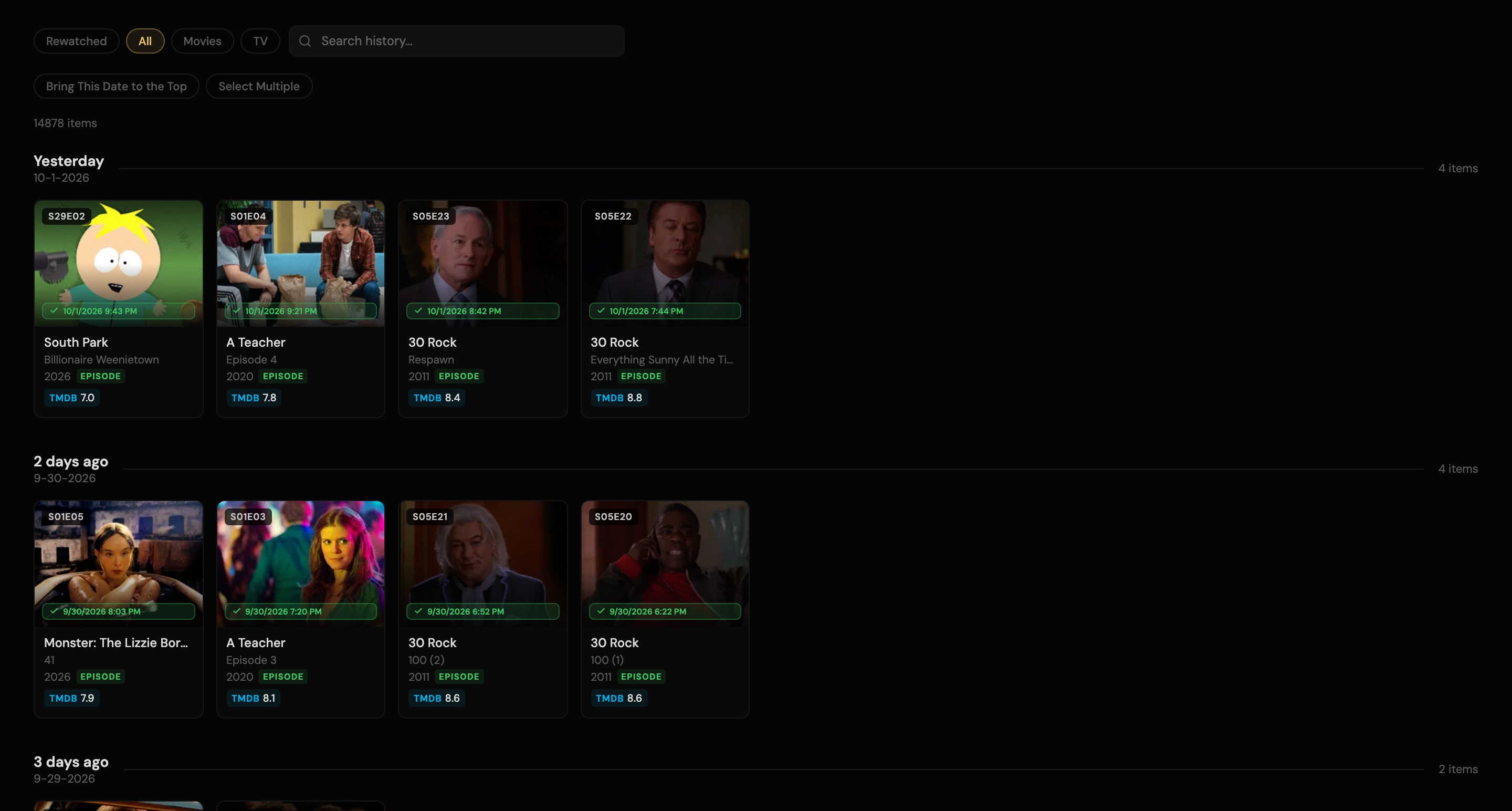
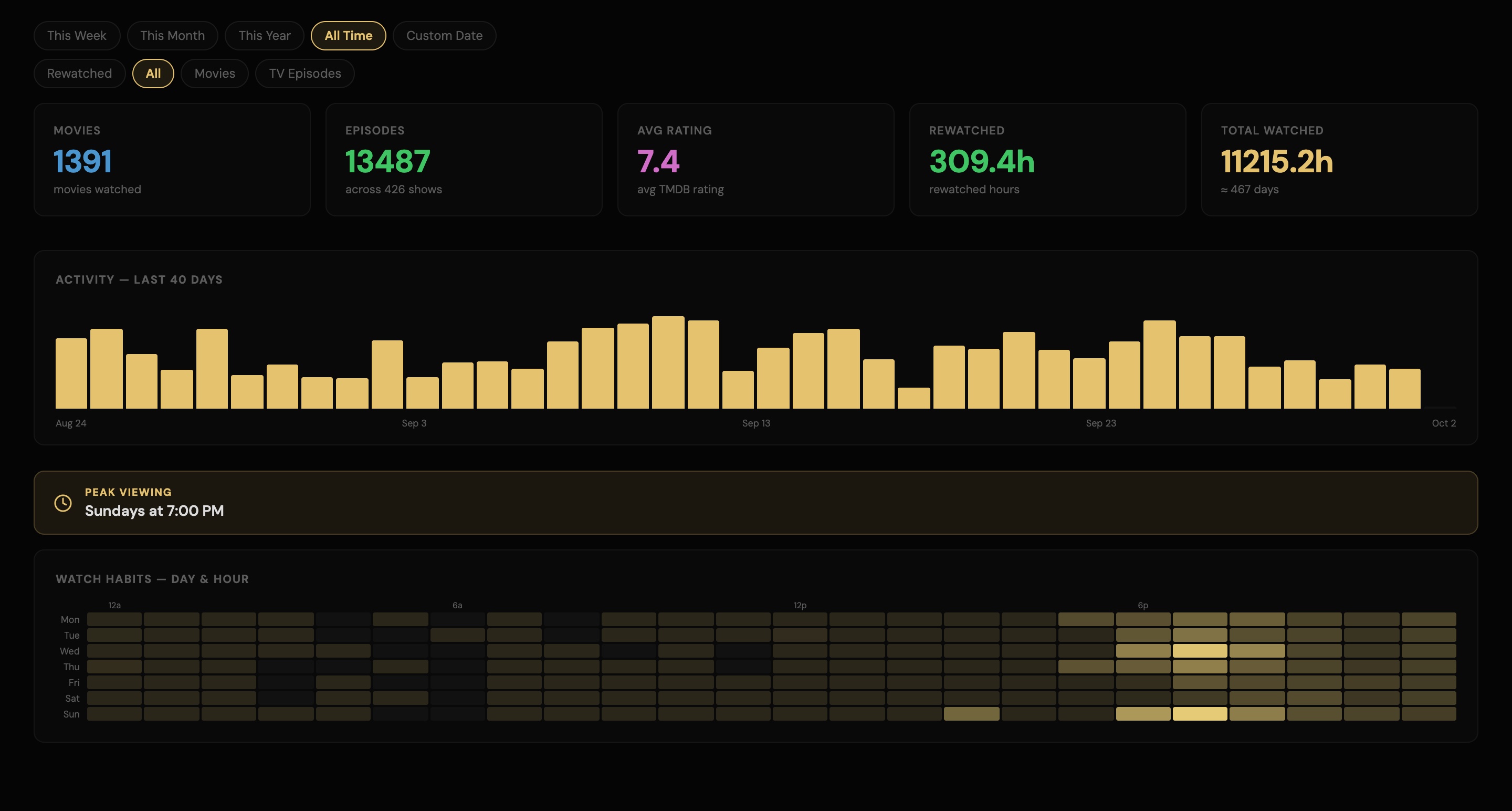
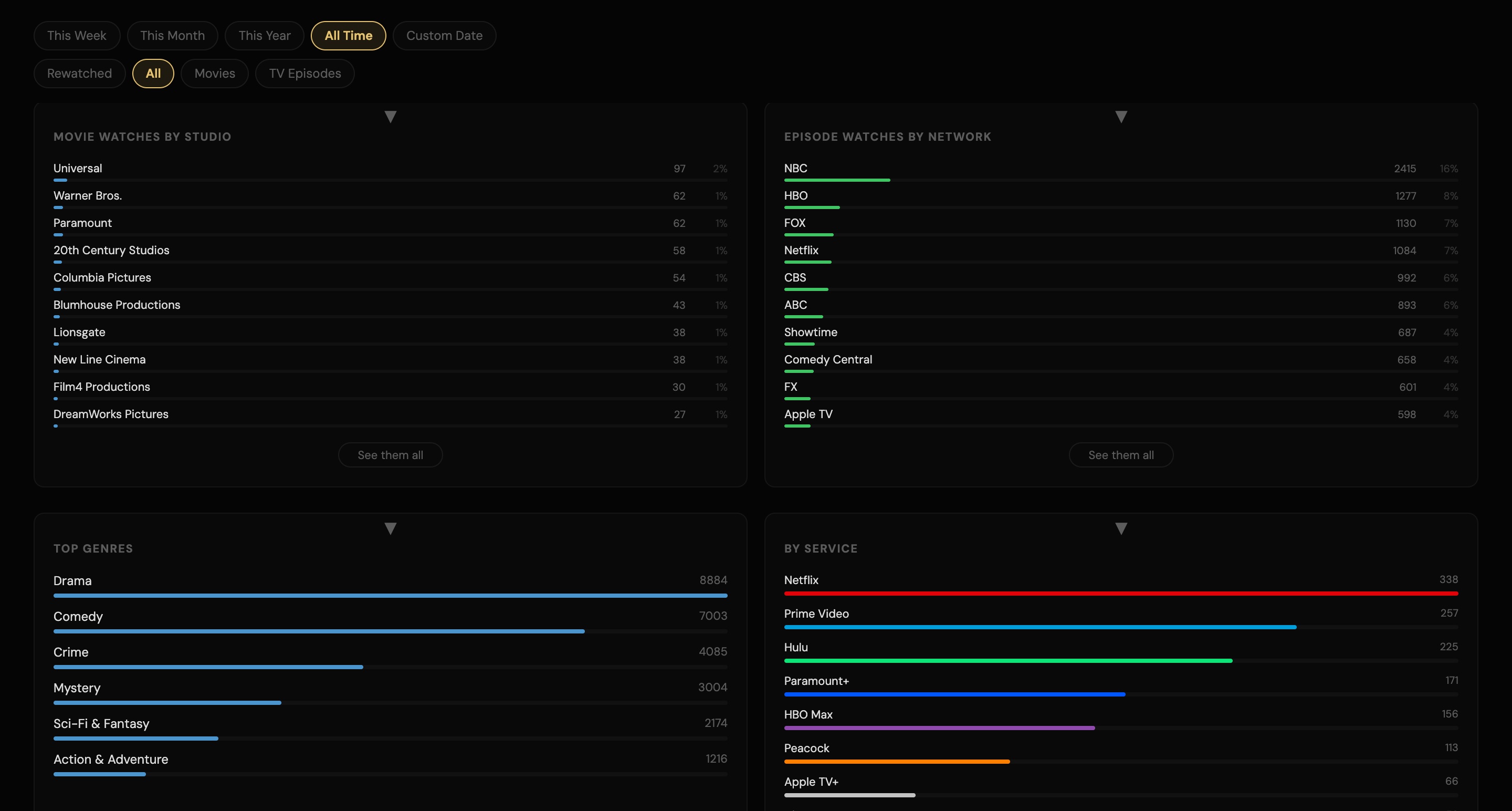
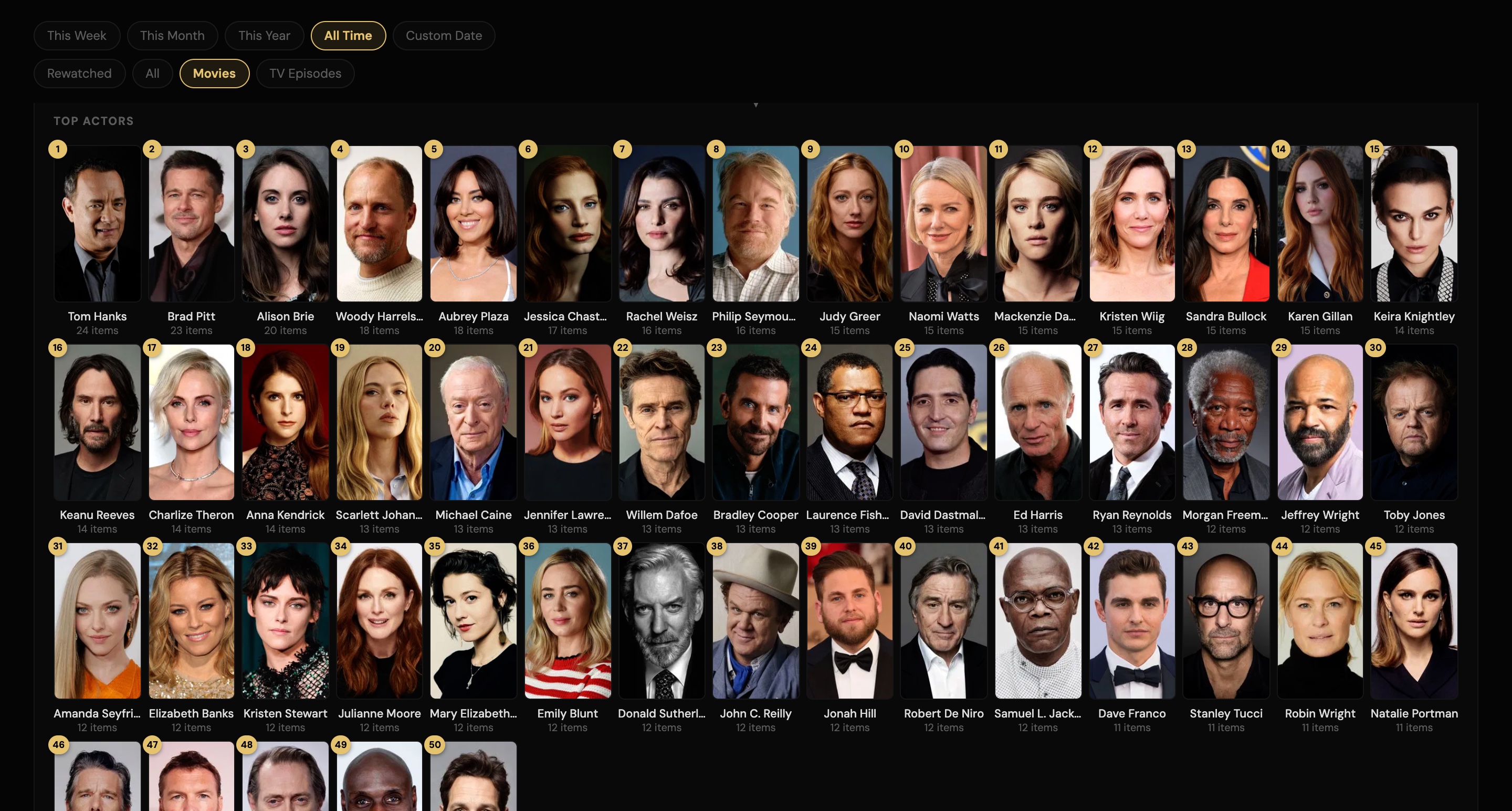
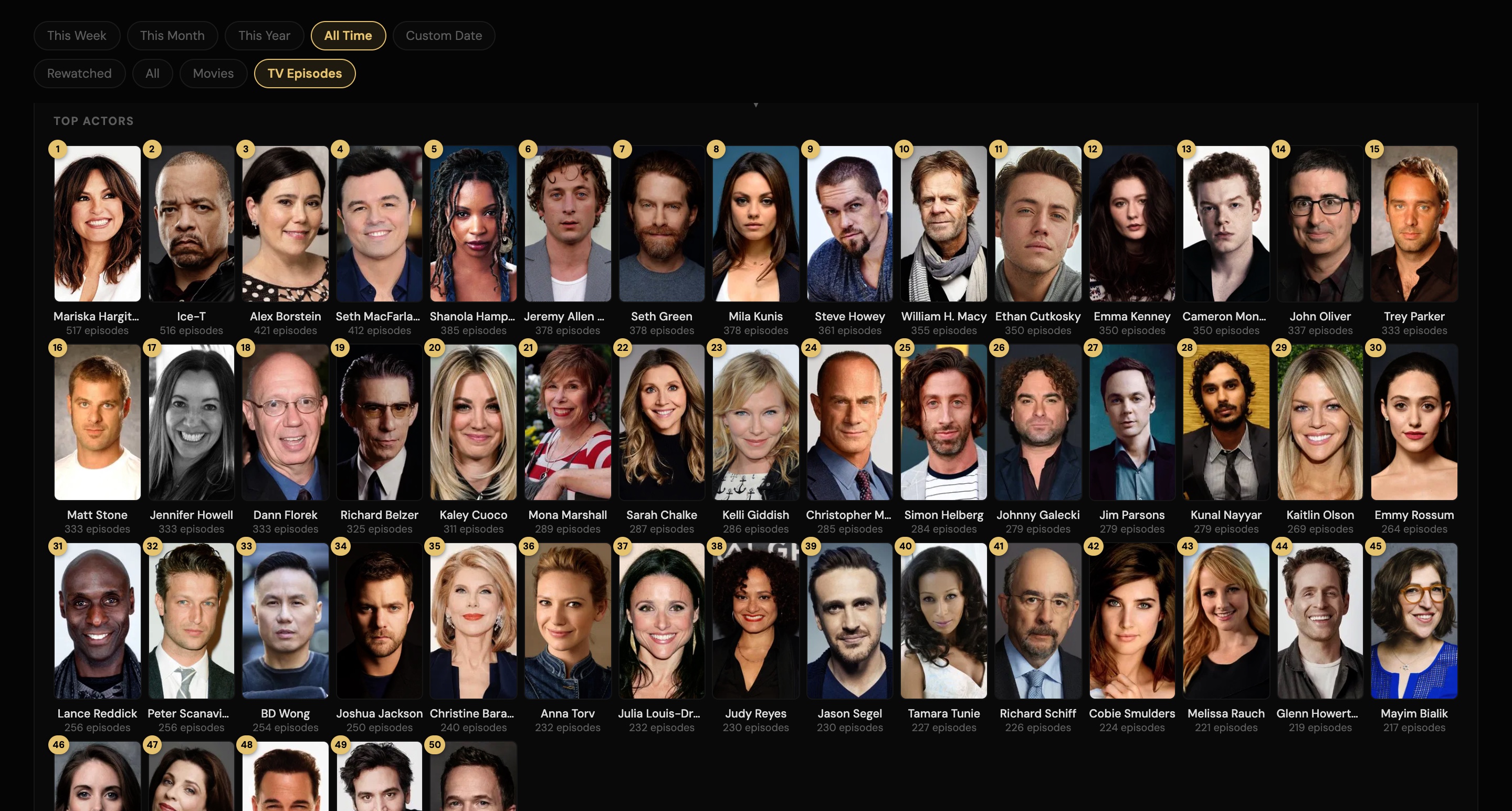
NO ADS. NO PRO TIER.
TV Stats is 100% FREE.
Privacy Protocol: Your Data is Yours
TV Stats is built for the stats focused user, but is great for new users too. All of your movie and TV history you create including watchlists and ratings are stored locally on your device in JSON format. We do not own, manage, or have access to your personal database.
We do not use tracking cookies and collect zero personal information. Because your data lives on your hardware, we cannot recover it if deleted. We recommend keeping a backup of your JSON files if you wish to save your history long-term.
MacOS Installation - Requires macOS 12 (Monterey) or later Apple Silicon & Intel
- Open the downloaded TVStats.dmg and drag TV Stats into your Applications folder.
- Open it. macOS will warn that it cannot check the app. Close the warning with Done (or Cancel on older macOS). Do not move it to the Trash.
- Open System Settings > Privacy & Security, scroll to the bottom and click Open Anyway.
- Open the app again and click Open. This only needs to be done once.
If Open Anyway does not show up, open Terminal, paste this line and press Return, then open the app:
xattr -dr com.apple.quarantine "/Applications/TV Stats.app"
External Links
TV Stats provides links to third-party services (like Trakt or streaming platforms) for your convenience. We are not responsible for the privacy practices or the content of those external sites.
Simple philosophy: no ads, no pro tiers, 100% free. If the tool provides value, use the support link above.
 Movie and TV data from TMDB. This product uses the TMDB API but is not endorsed or certified by TMDB.